MIKAKID · AI × Coding × Robotics × 3D

AI Sparks Imagination.
Hands-On Creation Builds the Future.

A 100-lesson, project-based journey—from asking a first question with AI to presenting an original innovation portfolio. Every step develops thinking, creativity, testing and communication.

5Course Modules
100Project Lessons
5Core Skills
LEARN BY MAKINGIDEABUILDSHARE
AIThinking Partner
</>Creative Computing
Smart Robotics
3D Prototypes
AI THINKING CREATIVE COMPUTING ROBOTICS 3D DESIGN PROJECT PRESENTATION AI THINKING CREATIVE COMPUTING

THREE LEARNING STAGES

From First Steps
to Independent Innovation

Students are placed by current skills and project experience—not age alone—so every learner begins at the right level.

01BEGINNER

Creative Foundations

Ages 7–10 or new learners

40LESSONS
MODULES 1–2
  • Understand AI and use it safely
  • Develop computational thinking
  • Create interactive stories and mini games
02INTERMEDIATE

Engineering Practice

Ages 9–13 with foundational experience

40LESSONS
MODULES 3–4
  • Control real-world devices
  • Work with sensors and test systems
  • Build robotics and 3D prototypes
03ADVANCED

Innovation Projects

Ages 11–16 with project experience

20LESSONS
MODULE 5
  • Explore real problems and user needs
  • Combine multiple creative tools
  • Complete a presentation and portfolio

5 MODULES · 100 LESSONS

Five Modules.
One Complete Learning Journey.

Each module includes 20 lessons. Knowledge is only the starting point—students learn to apply it by creating meaningful work.

01
BEGINNER

AI & Digital Creativity Foundations

Understand AI while building computational thinking and digital-safety awareness

  • What AI can and cannot do
  • Prompting, fact-checking & safety
  • Flowcharts & algorithms
  • Interactive storytelling
20LESSONS
02
BEGINNER

Programming Logic & Mini Games

Learn to design, test and debug without memorizing syntax

  • Variables, conditions & loops
  • Collisions, scoring & levels
  • AI-assisted code explanations
  • Team game project
20LESSONS
03
INTERMEDIATE

Robotics & Smart Vehicles

Control real devices and understand input, decision and output

  • Mechanical structure & safety
  • Sensors, motors & lights
  • Obstacle avoidance & line tracking
  • Smart vehicle challenge
20LESSONS
04
INTERMEDIATE

3D Design & Creative Prototyping

Turn ideas into three-dimensional designs that can be presented and tested

  • Spatial thinking & modelling
  • Shapes, dimensions & assembly
  • AI-assisted design
  • Personal creative prototype
20LESSONS
05
ADVANCED

AI Innovation Project & Portfolio

Bring together AI, programming, robotics and 3D design

  • Real problems & user needs
  • Comparing ideas & project planning
  • Testing, feedback & iteration
  • Final showcase & portfolio
20LESSONS

WHAT STUDENTS TAKE AWAY

Skills That Go
Beyond the Classroom

01
ASK

Ask Better Questions

Turn a rough idea into a clear, actionable question

02
PLAN

Break It Down

Divide a big challenge into manageable steps

03
MAKE

Create & Build

Use digital tools, robotics and 3D design to make real projects

04
TEST

Test & Improve

Find problems, describe them clearly and verify improvements

05
SHARE

Present with Confidence

Explain ideas and projects to classmates, teachers and families

FINAL PROJECT

Start with a Real Problem.
Build an Original Answer.

  1. 01Discover a Problem
  2. 02Design a Solution
  3. 03Build a Prototype
  4. 04Test and Improve
  5. 05Present with Confidence

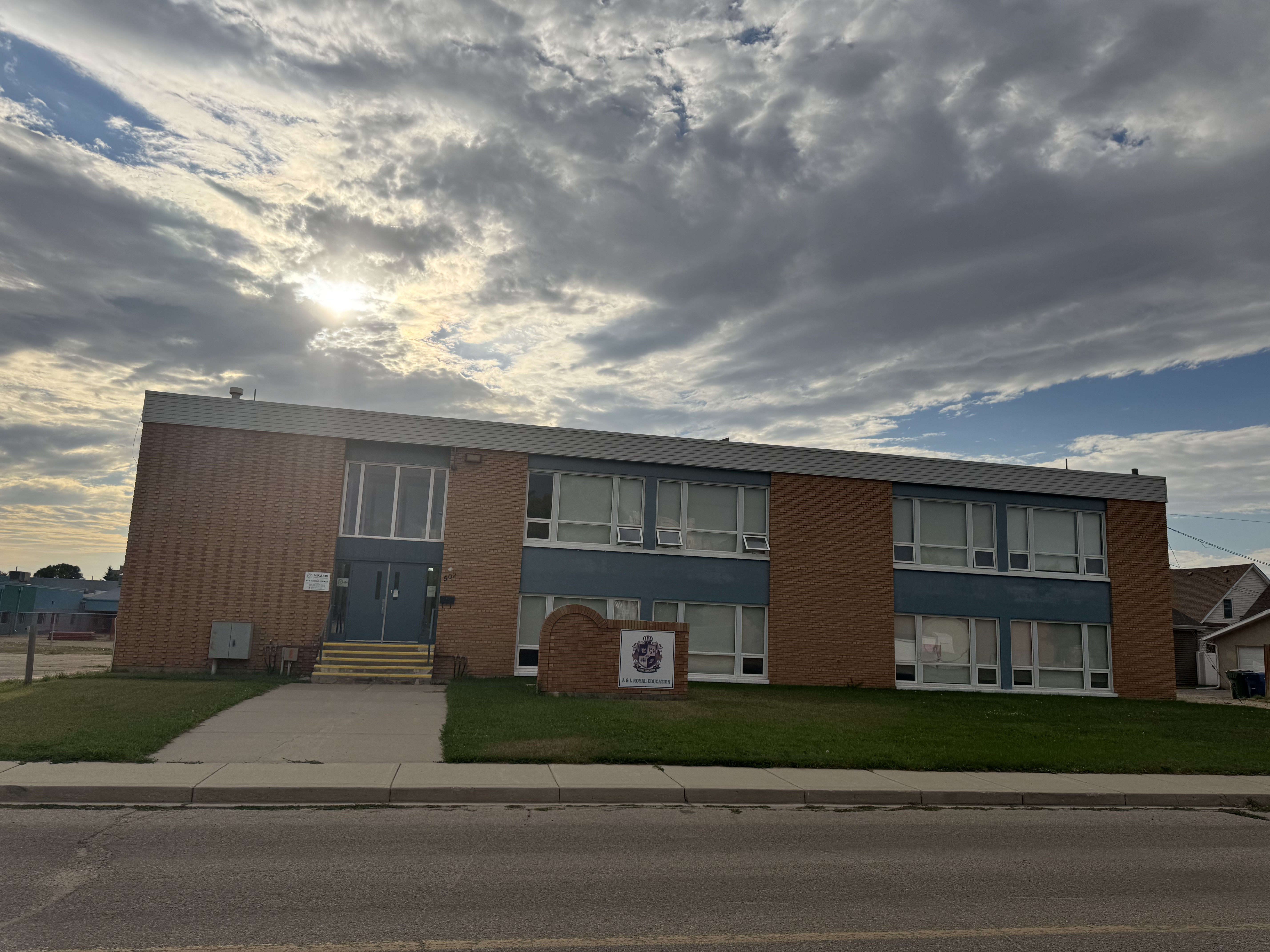
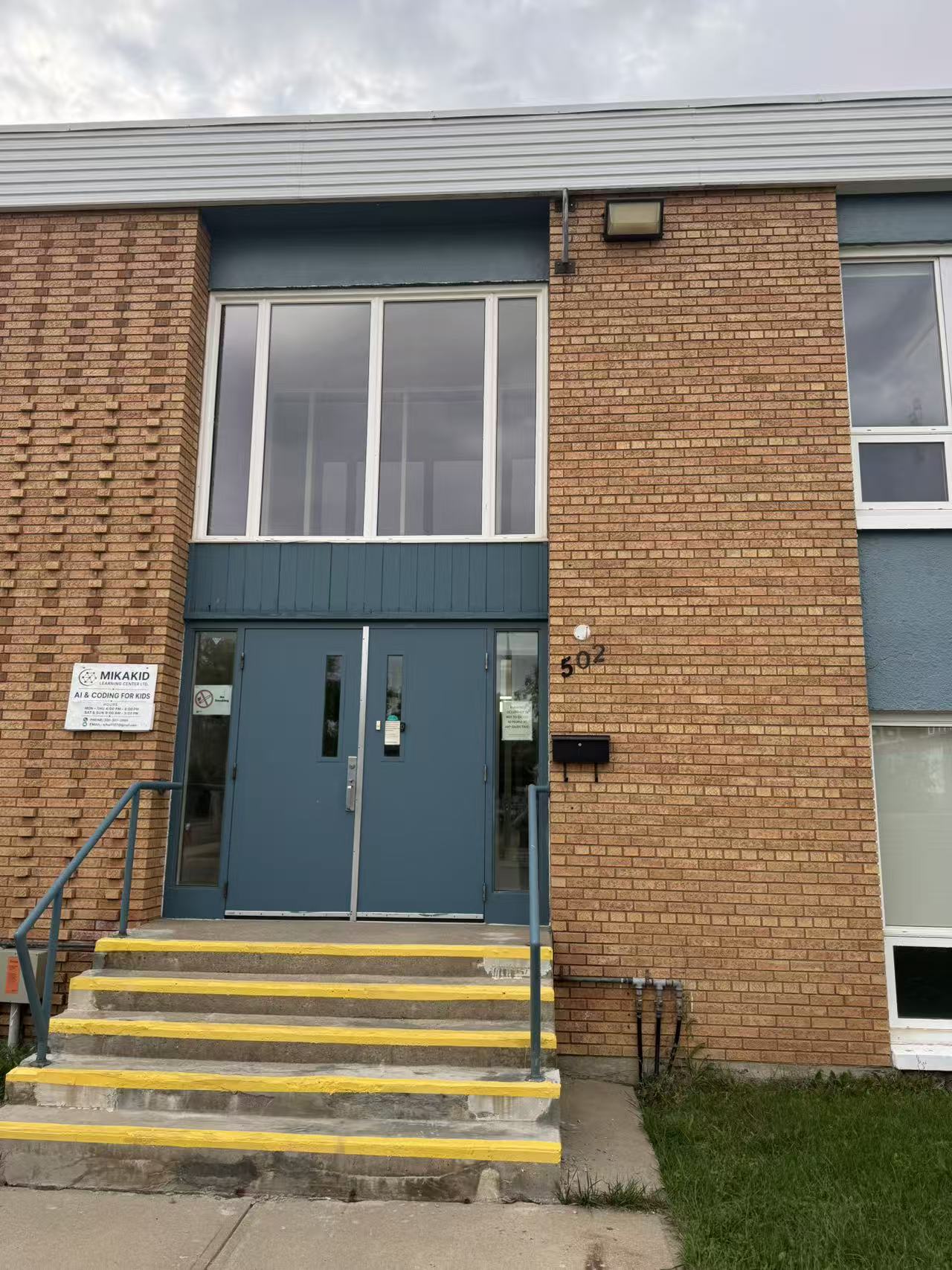
VISIT MIKAKID

Come Create with Us
in Moose Jaw

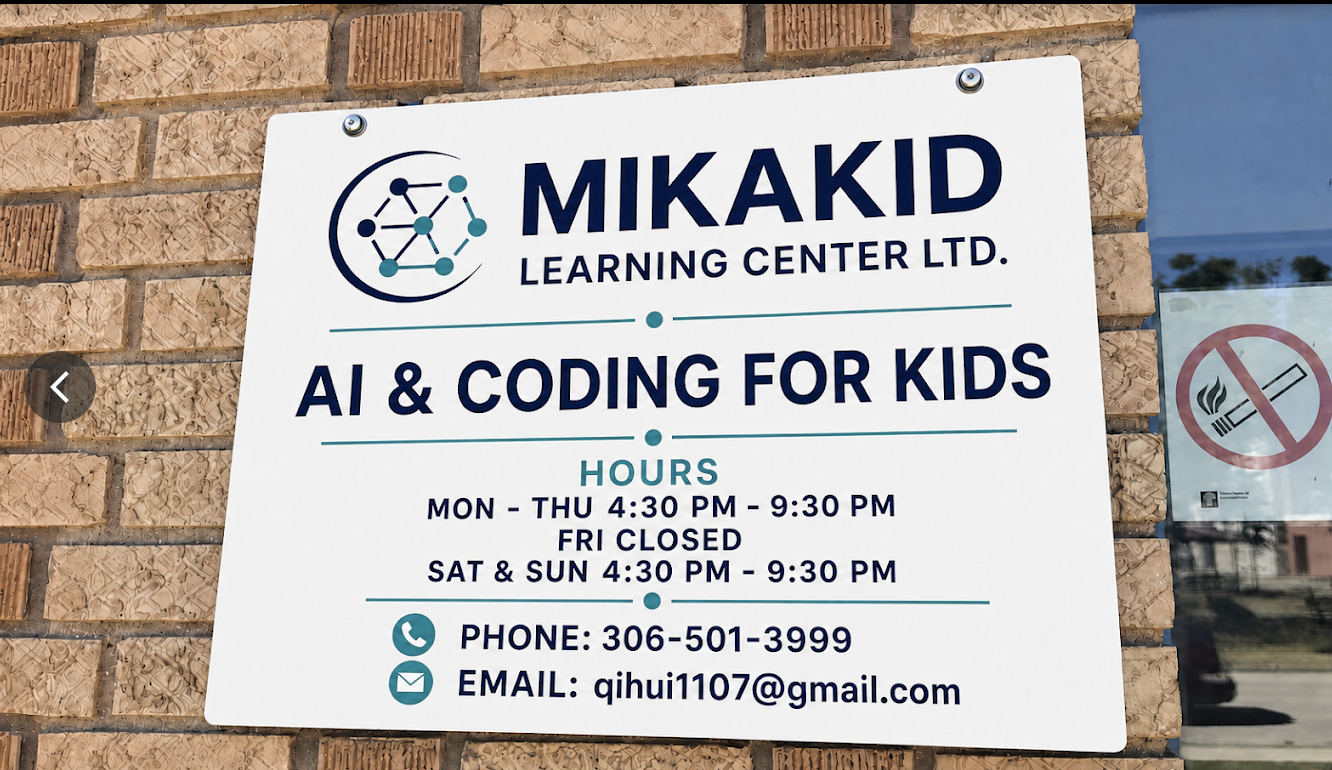
MIKAKIDLEARNING CENTER LTD.AI & CODING FOR KIDS
CLASS HOURS
Monday–Thursday
4:30 PM – 9:30 PM
Friday
Closed
Saturday–Sunday
4:30 PM – 9:30 PM